Silverlakes residents,
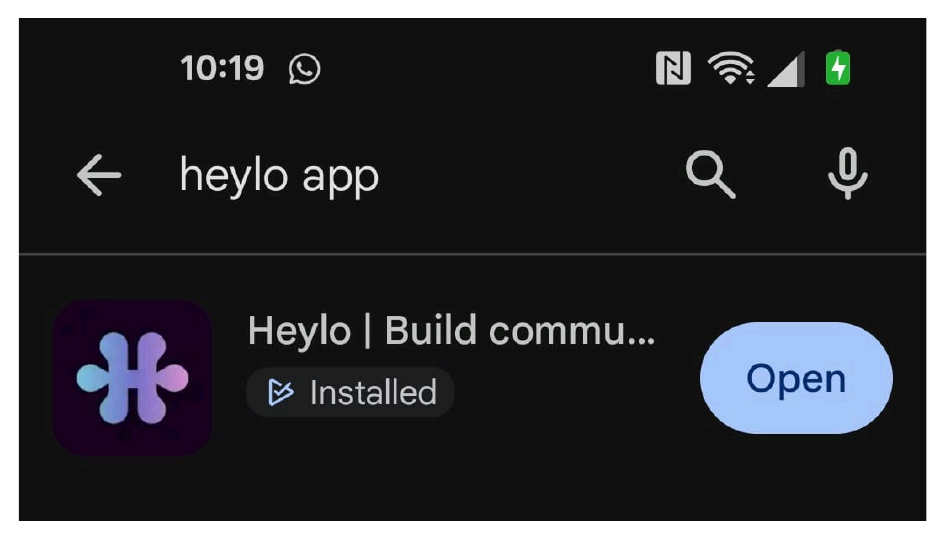
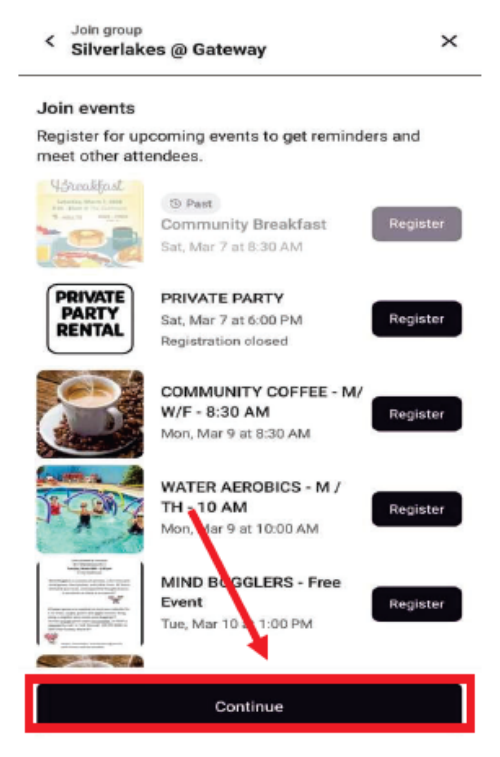
We are excited to introduce the new Heylo Community App, a simple and powerful way to keep everyone in our community connected and informed. With Heylo, residents have a centralized place to see the full community calendar, view upcoming events, RSVP to activities and stay up to date with announcements, all directly from your phone.
The app also makes it easier to connect with neighbors, access important community information, and avoid the confusion of checking multiple sources like websites, emails or unofficial social media pages. By bringing everything together in one place, Heylo helps ensure that important updates, event details and community information reach everyone clearly and efficiently.
In addition to event and communication features, the app includes a Resident Information section where you can easily find important resources such as the CAM's contact information, links to the association payment portal, and guidance on how to reach management when needed.
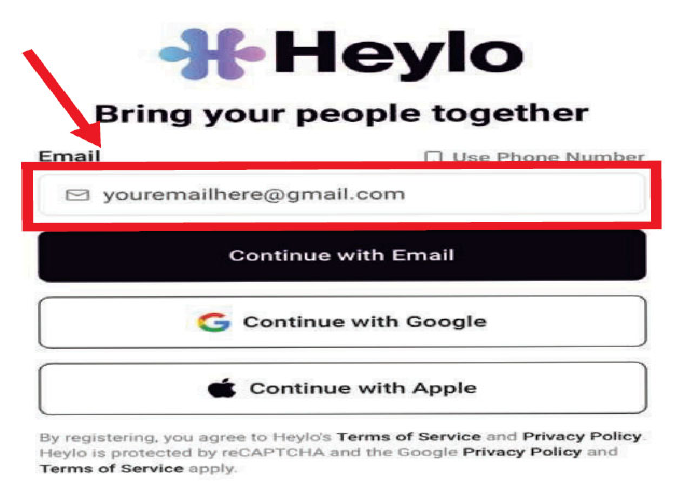
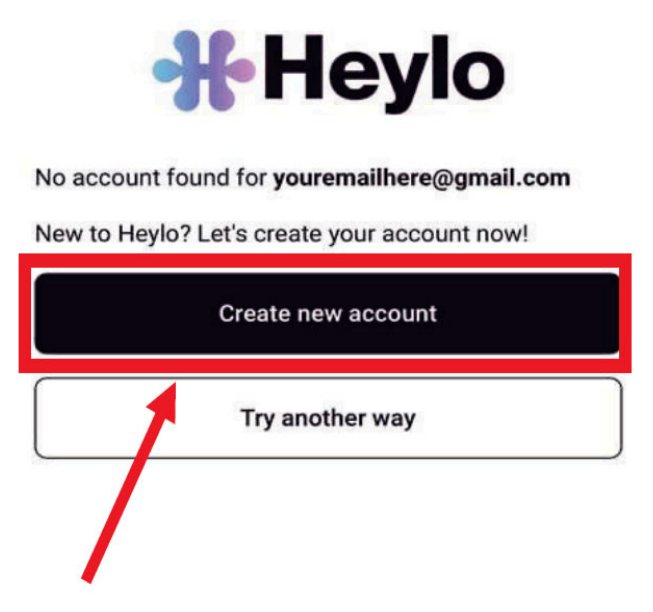
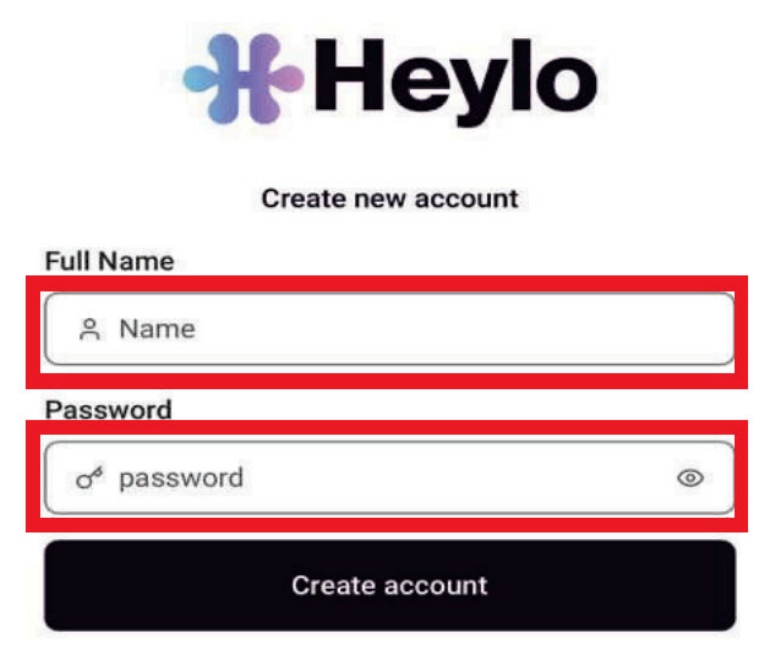
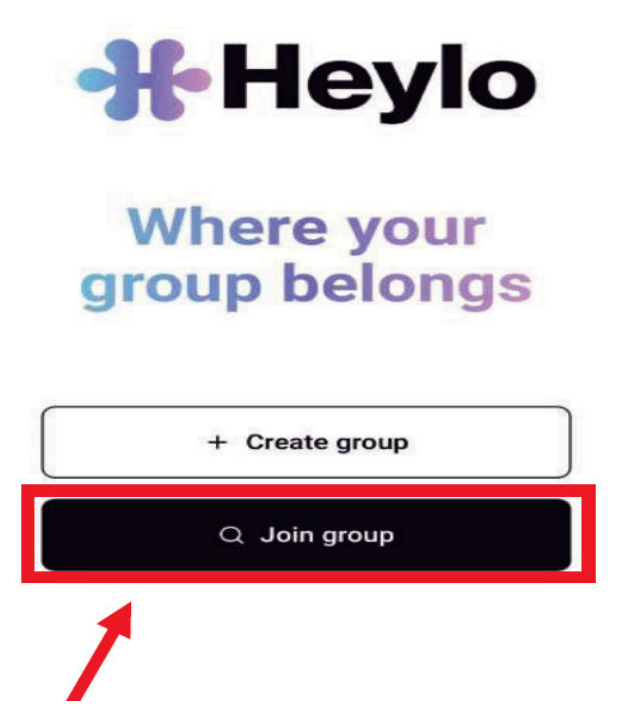
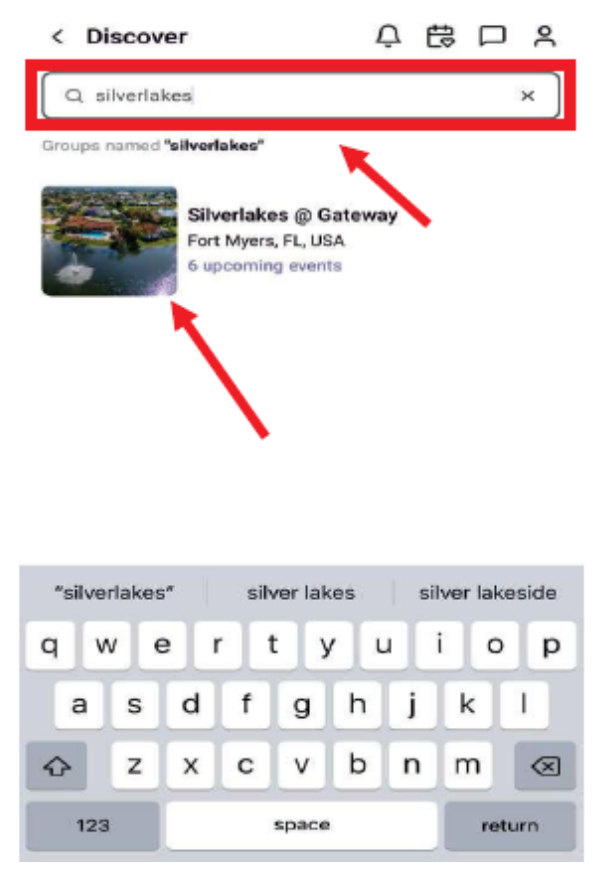
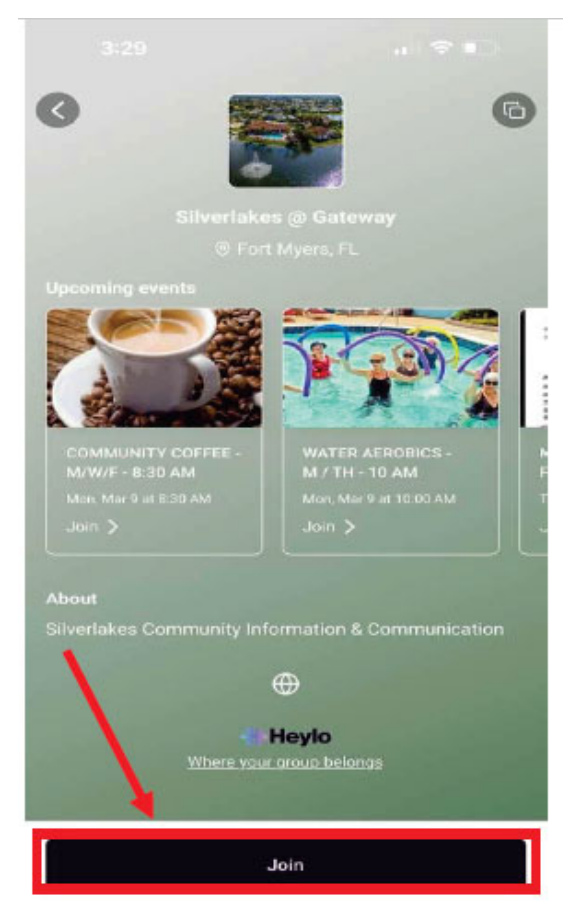
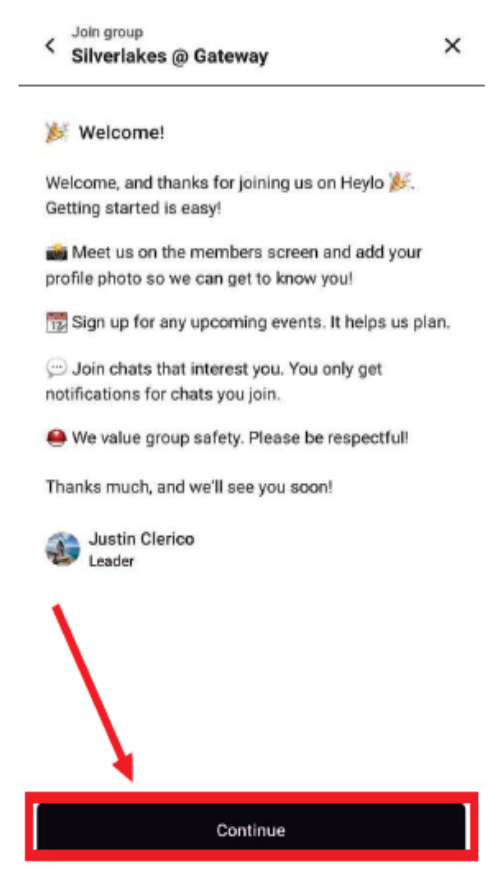
Our goal is to have as many residents as possible using the app so communication within the community can be streamlined and reliable. For those who are comfortable with technology, the setup process is quick and easy. If you would like help downloading or learning how to use the app, contact the Community Engagement Committee and we will get you set up.
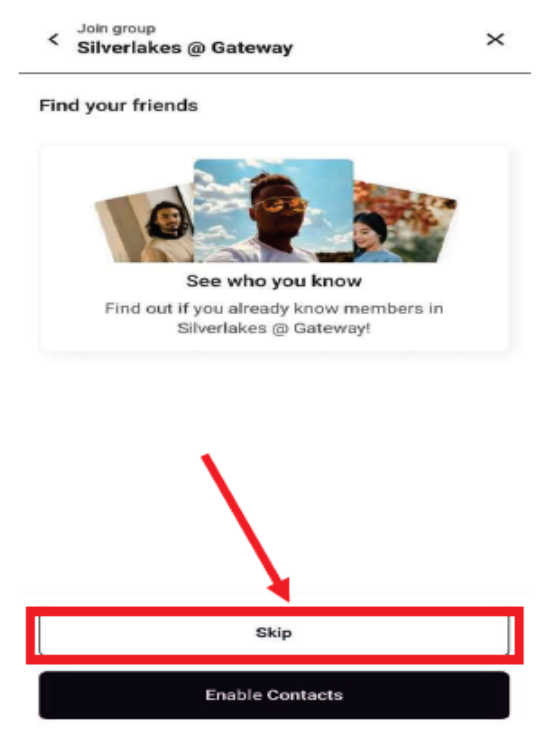
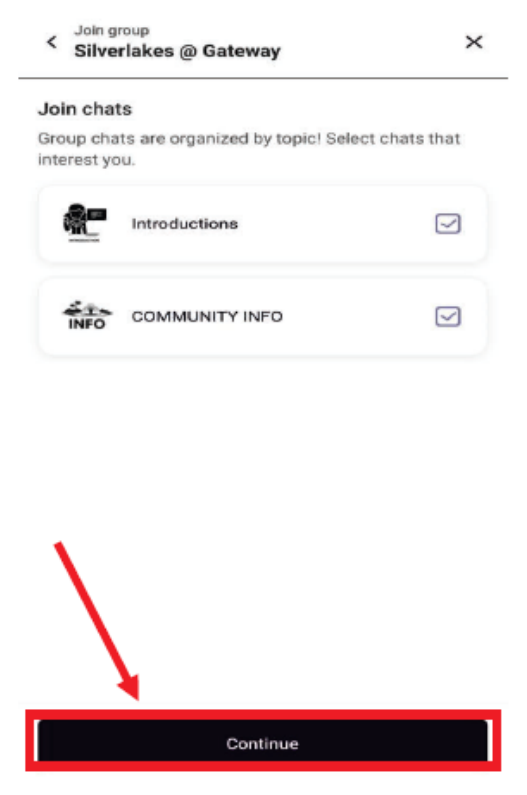
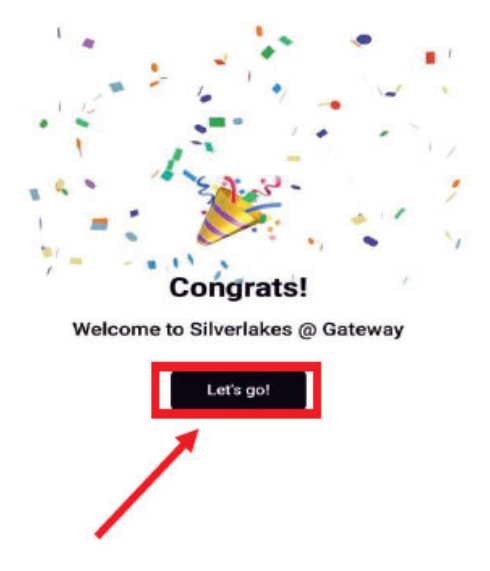
The app is already seeing great engagement, with over 75 residents registered in its first week. We invite you to scan the QR code, complete your registration, and share this new communication tool with your neighbors. We look forward to strong participation through the events, chats and community updates as we continue building a more connected and informed neighborhood together.
You are invited to reach out to the New Community Engagement Committee with any questions. Text the Committee at 941-548-1806 or email silverlakesatgateway@gmail.com.
See you soon at the next event.